


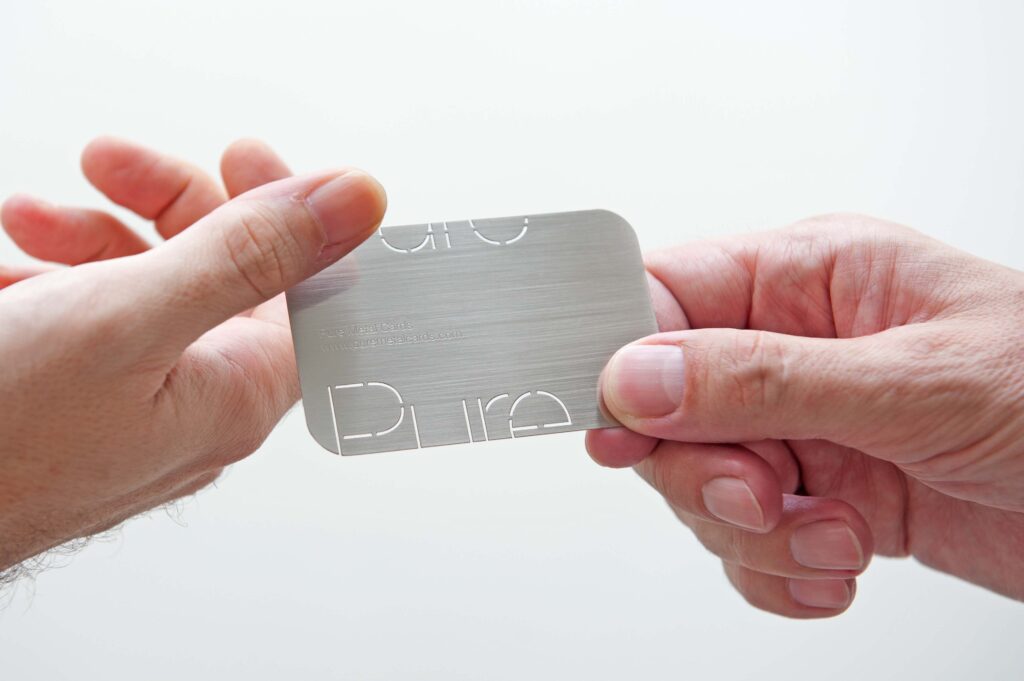
In today’s digital age, networking isn’t just about exchanging phone numbers or email addresses. It’s about connecting on platforms where professional relationships thrive — and LinkedIn is the king of professional networking. But here’s the twist: what if you could merge the timeless elegance of a metal business card with the modern convenience of LinkedIn? That’s exactly what we’re diving into today.
Why Metal Business Cards Are Trending
Metal business cards are no longer just a novelty. They’ve become a statement piece for professionals who want to stand out.
Durability Meets Style
Unlike paper cards that bend, tear, or fade, metal cards are built to last. They’re sleek, modern, and instantly memorable.
Luxury Branding
Metal cards scream premium. They align perfectly with industries where first impressions matter — think finance, tech, luxury goods, and creative services.
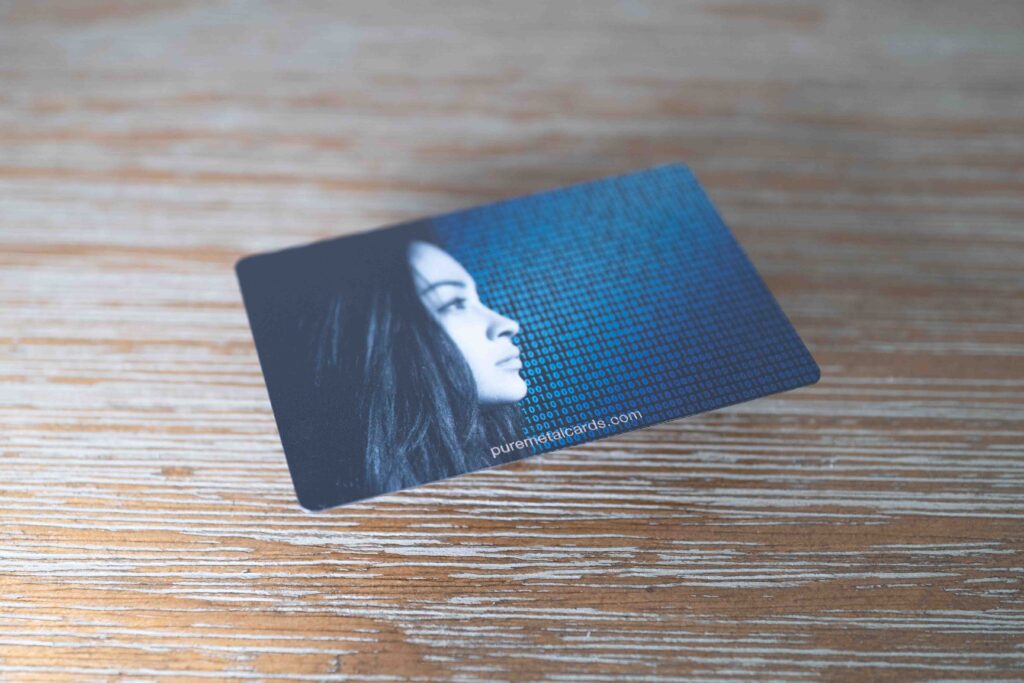

Why Add LinkedIn to Your Business Card?
Your LinkedIn profile is essentially your digital résumé. Adding it to your card bridges the gap between offline and online networking.
Instant Professional Connection
Instead of waiting for someone to search your name, you give them direct access to your profile.
Showcasing Your Expertise
Your card becomes more than contact info — it becomes a gateway to your career achievements, endorsements, and portfolio.
Ways to Put LinkedIn on a Metal Business Card
There are several creative ways to integrate LinkedIn into your card design. Let’s break them down.
Option 1: Engraved LinkedIn URL
The simplest method is engraving your custom LinkedIn URL directly onto the card.
- Example: linkedin.com/in/yourname
- Clean, professional, and easy to type.
Option 2: QR Code Integration
QR codes are the modern shortcut.
- Scan the code → instantly land on your LinkedIn profile.
- Perfect for tech‑savvy audiences and quick networking events.
Option 3: NFC Chip Embedding
Near Field Communication (NFC) chips can be embedded into metal cards.
- Tap the card with a smartphone → LinkedIn profile opens.
- It’s futuristic, seamless, and highly impressive.
Design Considerations
Adding LinkedIn isn’t just about functionality — it’s about design harmony.
Placement Matters
- Top corner for subtlety.
- Center for bold emphasis.
- Back of the card for a clean front design.
Balancing Minimalism and Information
Metal cards look best when uncluttered. Keep text minimal and let the LinkedIn link or QR code do the heavy lifting.
Font and Engraving Choices
Choose fonts that are legible when engraved. Sans‑serif fonts often work best for clarity.
Benefits of LinkedIn Integration
So why go through the effort? Let’s explore the advantages.
Seamless Networking – No more fumbling with spelling names or searching through LinkedIn. One scan or tap, and you’re connected.
Enhanced Professional Image – It shows you’re forward‑thinking and tech‑savvy.
Memorable First Impressions – People remember the professional who hands them a sleek metal card that connects directly to LinkedIn.
Cost vs. Value
Metal cards with LinkedIn integration may cost more than traditional paper cards, but the ROI is undeniable.
Long‑Term Durability – You won’t need to reprint cards every few months.
Brand Perception – Premium cards elevate your brand image, making the investment worthwhile.
Best Industries for LinkedIn Metal Cards
While any professional can benefit, some industries shine brighter with this innovation.
Tech, Startups & Digital Nomads – Show off your digital edge.
Finance and Consulting – Project authority and professionalism.
Creative Industries – Designers, marketers, and artists can showcase their flair with unique card designs.
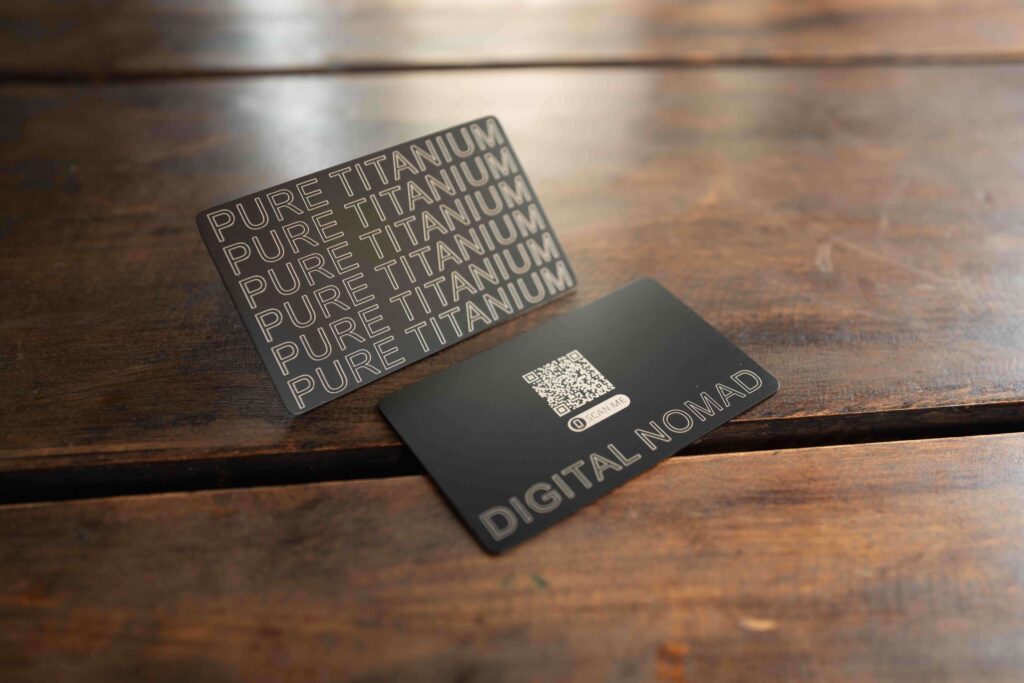
Practical Tips for Implementation
Ready to create your own? Here are actionable steps.
Step 1: Customize Your LinkedIn URL
Make sure your LinkedIn URL is short and personalized. Example: linkedin.com/in/johndoe.
Step 2: Decide on Format
Choose between engraving, QR code, or NFC chip.
Step 3: Test Before Printing
Ensure QR codes scan properly and NFC chips are encoded and work across devices.
Step 4: Keep Branding Consistent
Match your card design with your overall brand identity.
Common Mistakes to Avoid
Even premium cards can fall flat if not executed properly.
Overcrowding the Design – Too much text or graphics ruins the sleek look.
Ignoring Functionality – A QR code that doesn’t scan or a broken NFC chip defeats the purpose.
Not Updating LinkedIn – Your card is only as strong as your LinkedIn profile. Keep it fresh and relevant.
When to Use a URL Shortener — and When to Avoid It – URL shorteners can be a lifesaver when you’re dealing with long, clunky links. They make your URLs cleaner, easier to share, and trackable. But here’s the catch: not everyone trusts shortened links. Some recipients worry they might hide spam or unsafe destinations.
So, when should you use one? Stick to shortened links for custom URLs that are too long or when you want to track clicks. And when you do, choose a reputable provider or better yet, a branded short domain that clearly points back to your landing page. That way, you get the benefits of trust and analytics without sacrificing credibility.
Future of Networking Cards
The fusion of physical and digital networking is only growing. Expect more innovations like smart cards, augmented reality integrations, and AI‑driven contact sharing.
Conclusion
Putting your LinkedIn profile on a metal business card is more than a design choice — it’s a strategic move. It combines the timeless elegance of physical networking with the digital power of LinkedIn. Whether you engrave your URL, add a QR code, or embed an NFC chip, you’re creating a card that’s durable, stylish, and unforgettable. In a world where first impressions matter, this small detail can make a huge difference.
At Pure Metal Cards, we offer the widest range of metals and card finishes available and customization options to bring your vision to life. Whether you’re a startup founder, luxury brand, or creative professional, we’ll help you design a card that’s as unforgettable as your brand.
Ready to upgrade your business card game? Explore our metal card collection and make your next impression your best one yet.
FAQs About LinkedIn on Metal Business Cards
- Can I put both a QR code and a LinkedIn URL on my card?
Yes, combining both ensures accessibility for all users. - Do NFC chips work on all smartphones?
Most modern smartphones support NFC, but it’s wise to test across devices. - Is engraving a LinkedIn URL enough?
It works, but QR codes or NFC chips provide faster access. - How do I keep my card design minimal?
Focus on essentials: name, title, logo, and LinkedIn integration. - Are metal cards eco‑friendly?
Yes, they’re reusable and long‑lasting, reducing the need for frequent reprints compared to paper cards.